
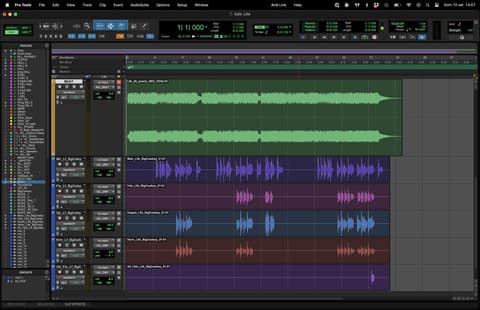
Exporting your audio tracks the right way is the first step towards a clean mix. Follow these guidelines and you will avoid exporting twice, and you will pick up a few good habits during production: for example, not clipping channels or busses on the mixer, and cleaning every clip with fades to avoid clicks.
Here are the main rules, valid for whatever DAW you use:
Turn off clippers and limiters on the stereo bus before exporting.
Saturation plugins or anything else that shapes the sound can stay on. If in doubt, bypass everything on the stereo bus.
If tracks clip (0 dB), lower the volume of all tracks or busses until the red peaks disappear.
Do NOT lower the stereo bus fader!Any peak level is fine for a track, except 0 dB.
Avoid clicks from cuts on the waveform! Every sound, audio clip or region must start and end with a fade in/out.
Every track of every sound must be exported separately.
All tracks must be exported from the start of the session in your DAW project.
Export the sounds as you processed them. If there is a problem I will ask you to re-export the tracks dry, without processing.
If vocals are already recorded, always export every vocal track dry, with no processing or effects.
If effects (reverb, delay, modulation, distortion, etc.) are part of the sound you like, export those tracks as they are (NOT the vocal tracks).
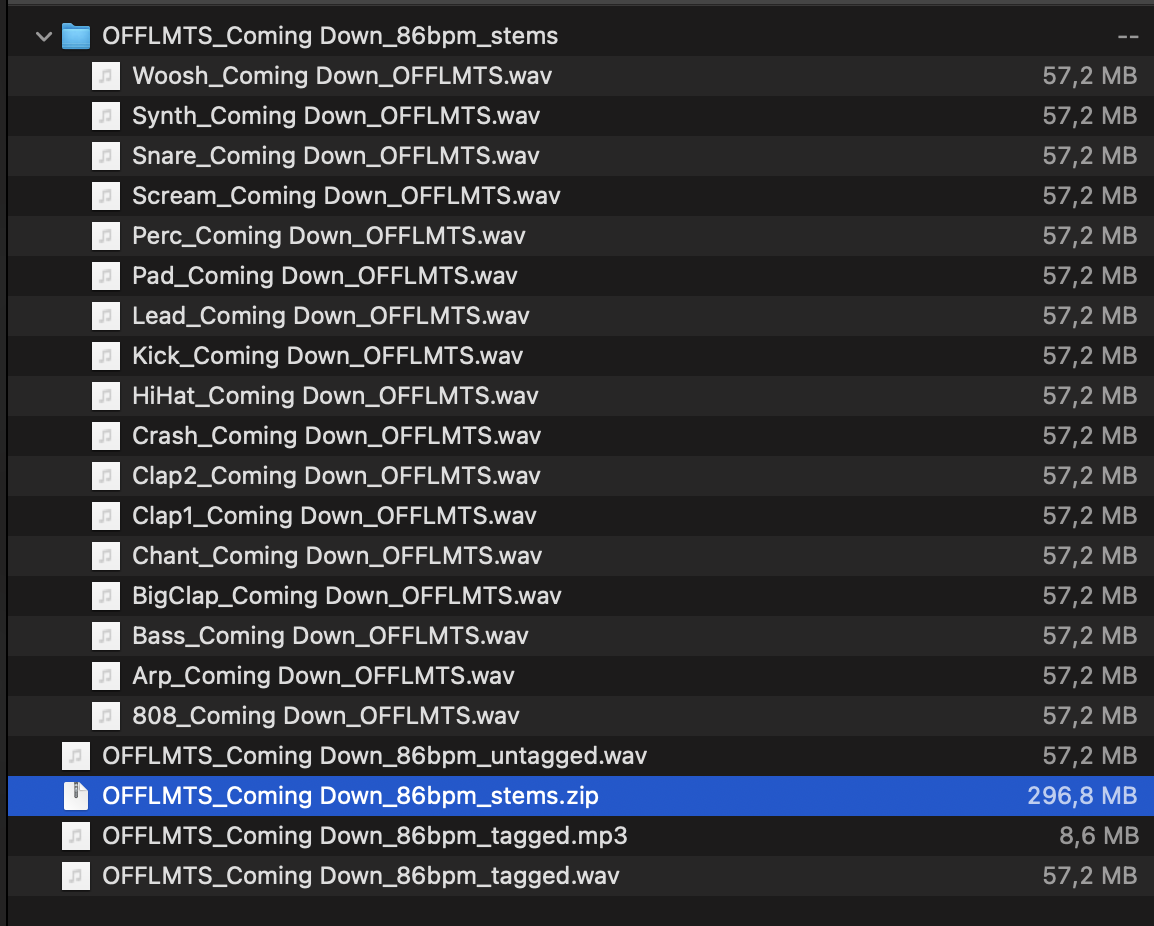
Export all tracks as wav or aiff, 24 bit, 44.1 or 48 kHz, named Sound_Title_Artist.
Export a stereo version of your rough mix as wav or mp3, named Artist_Title_Premix_Key_bpm.
Put all the files in one ZIP named Artist_Title_Tracks.
If you have any doubt, ask the mixing engineer who will work on your project. And if you already have an idea of how you want your music to sound, name artists and tracks you like: it gives the engineer a reference and a direction.
Topics
- DAW
- Logic Pro
- Pro Tools
- Reaper
- how to export stems
- mastering
- mixing
- multitracks
- stems